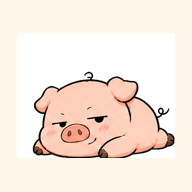
Official reference
Pipipong Starter Pack
Eight unchanged client frames, a manifest with native dimensions and checksums, a bilingual README, and both PPAS v0.9.5 documents.
ZIP · reference assets onlyQuick creator path
Use the official reference pack to understand state coverage and naming. The pack is source material, not an app installer or an automatically generated installable package.
Official reference
Eight unchanged client frames, a manifest with native dimensions and checksums, a bilingual README, and both PPAS v0.9.5 documents.
ZIP · reference assets onlyRequired states
The historical reference frames keep their original dimensions. New artwork should follow the current 512 × 512 recommendation below.

pet-idle.png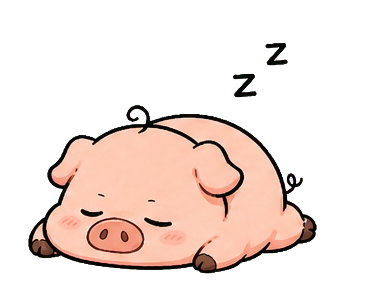
pet-sleeping.png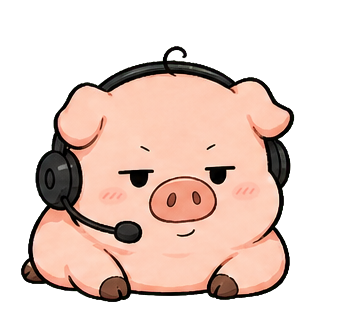
pet-listening.png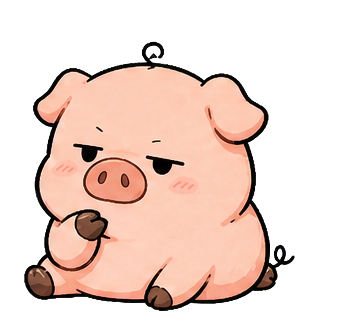
pet-thinking.png
pet-working.png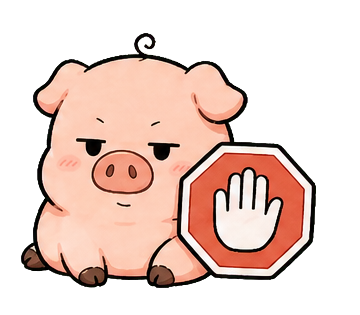
pet-permission.png
pet-complete.png
pet-alert.pngLocal frame preview
Choose or drop up to eight PNG images. Each accepted file must use one official filename.
Local only: no files leave this browser tab. Nothing is uploaded, saved, packaged, or exported.
pet-idle.pngDimensions appear after selectionMissingpet-sleeping.pngDimensions appear after selectionMissingpet-listening.pngDimensions appear after selectionMissingpet-thinking.pngDimensions appear after selectionMissingpet-working.pngDimensions appear after selectionMissingpet-permission.pngDimensions appear after selectionMissingpet-complete.pngDimensions appear after selectionMissingpet-alert.pngDimensions appear after selectionMissing